 01WIDE SHOT
Set the scene
A place full of possibility.
Research the idea. Direct the shots. Connect the edit. Bring your brief, references, and selected results into one creative flow.
A little idea. Room to grow.
A colorful café. An unexpected meeting. Tell a small story through three cinematic shots.
Scene reference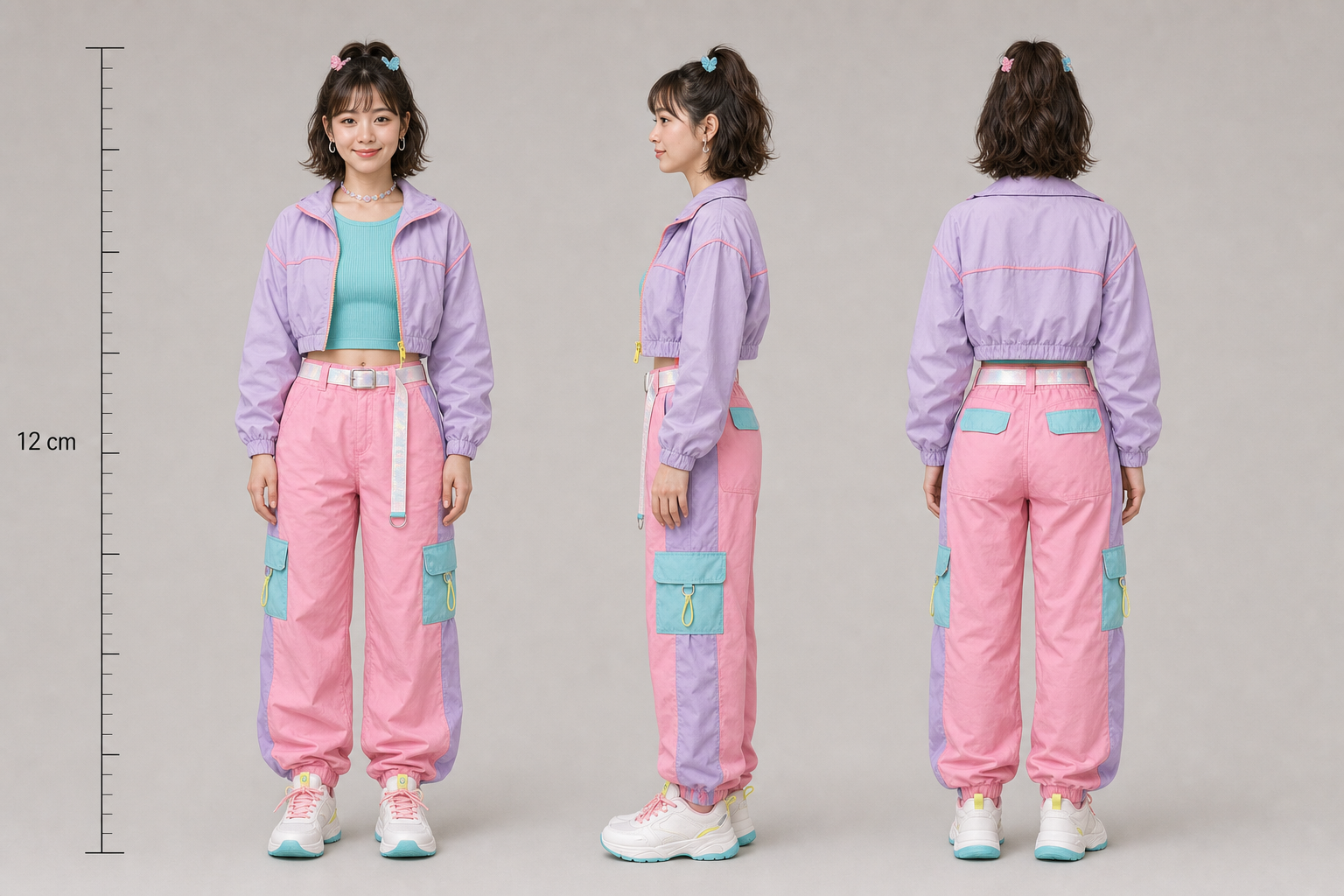 Character referenceReady to shape01WIDE SHOT
A place full of possibility.
02CHARACTERA fresh point of view.
03DETAILThe details tell the story.
Bring the audience, the goal, and your source materials into the same conversation.
Who should this story connect with?
Turn observations into a direction.
Continue with materials and a content plan.
A café story · Editing draftKeep selected materials together. Continue refining in a connected OpenChatCut installation.
Workspace → Local editorAn illustrative workspace, built around a real creative workflow.
MEET YOUR CREATIVE TEAM
A clear place for each part of the work. A connected path between them.
Turn a brief into scenes, references, and generation prompts. Plan camera positions in a simple 3D preview, then choose the takes you want to keep.
Sequence images, video, and audio. Set clip ranges and hand a draft to a connected local OpenChatCut editor for refinement and export.
Research with links and source files. Turn findings into content plans, then record published links and performance snapshots for the next round.
A BIGGER PICTURE. A CLEARER NEXT STEP.
Connect prompts, references, generation nodes, and selected results on a visual canvas. Keep the context in view as the project takes shape.
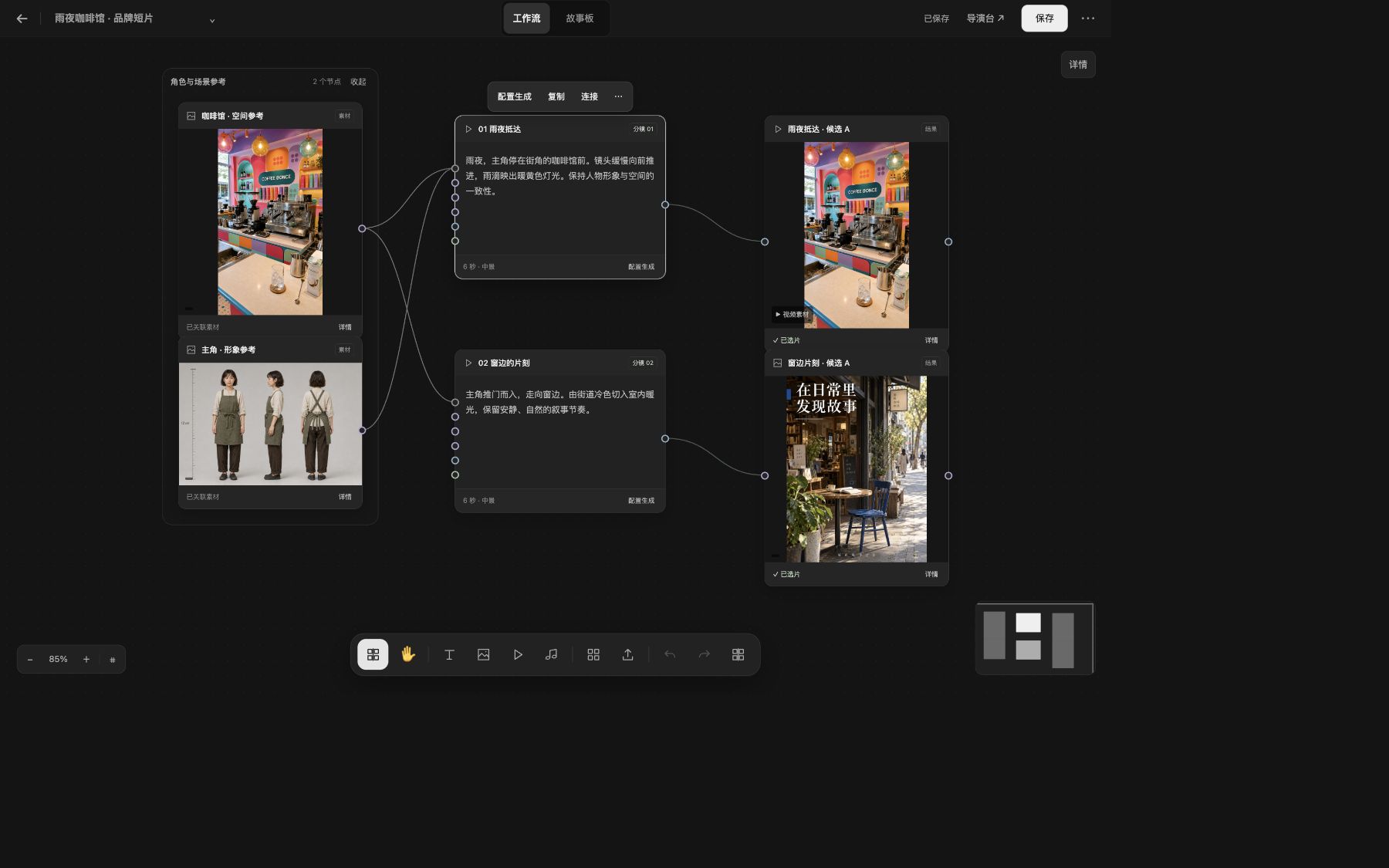
FROM THE FIRST QUESTION TO THE NEXT IDEA
Start where your project is. Carry the useful work forward.
Start with your goal, links, or source files.
Organize references and plan the shots.
Review the quote, follow tasks, and choose results.
Prepare a sequence and continue in your local editor.
Publish on your chosen platform, then record and review.
THE DETAILS THAT KEEP WORK MOVING
Keep the materials, decisions, and next handoff close to the project.
Find your workspaceSave research outputs and creative results to supported libraries, canvases, and drafts. Carry the useful pieces into the next step.
Revisit task details, creator attribution, and available outputs. All and Mine views help you find the work that matters.
Review model-based estimates and the applicable breakdown before submission, including separate reference-video input fees where relevant.
A FEW USEFUL ANSWERS
Yes. Use existing media, documents, spreadsheets, and screenshots as supported by the selected tool. Your references can become part of the research or creative process.
The workspace shows an estimate and asks you to confirm the applicable quote before submission. Costs depend on the model, output settings, and reference-input usage.
You can prepare the sequence in the workspace. Refinement and export use a connected local OpenChatCut installation, so the local editor needs to be installed and connected.
Content plans record schedules, published links, and performance snapshots. Publishing is completed on your chosen platform; the plan helps you keep track of what happened afterward.
Available results can be previewed, saved, selected for a shot, or passed into the next supported creative step. The task and asset views help you return to the work later.
YOUR NEXT STORY STARTS WITH AN IDEA
Start with a brief, a reference, or the footage you already have.